1
Install the Shelva app
Install Shelva from the Shopify App Store and explore the dashboard.

Get your digital shelf labels up and running in minutes with our simple setup process.
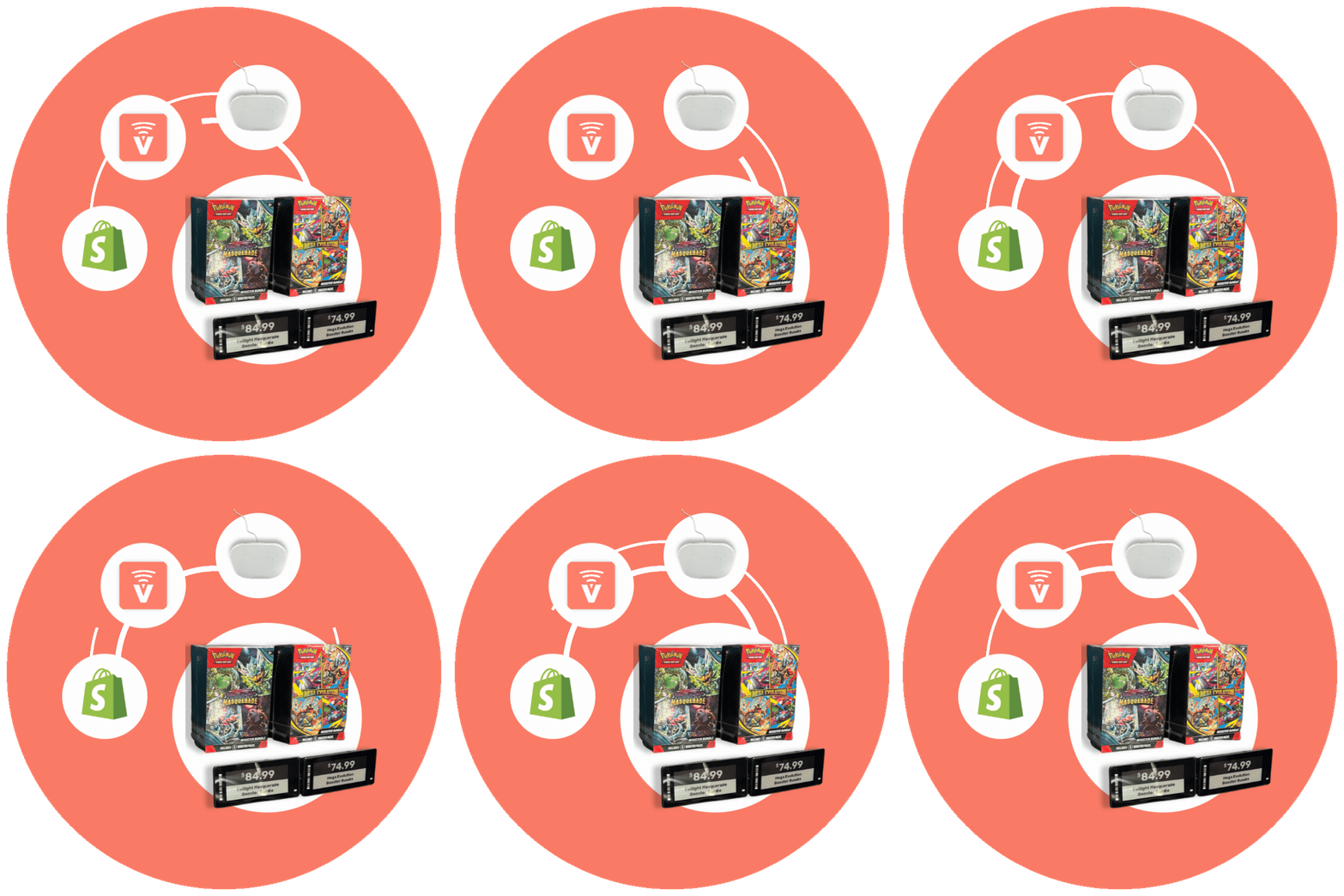
Move from Shopify install to live shelf labels without a long onboarding detour.
Install Shelva from the Shopify App Store and explore the dashboard.
Your Shelva Kit comes with a preset label set for hands-on testing in your store.
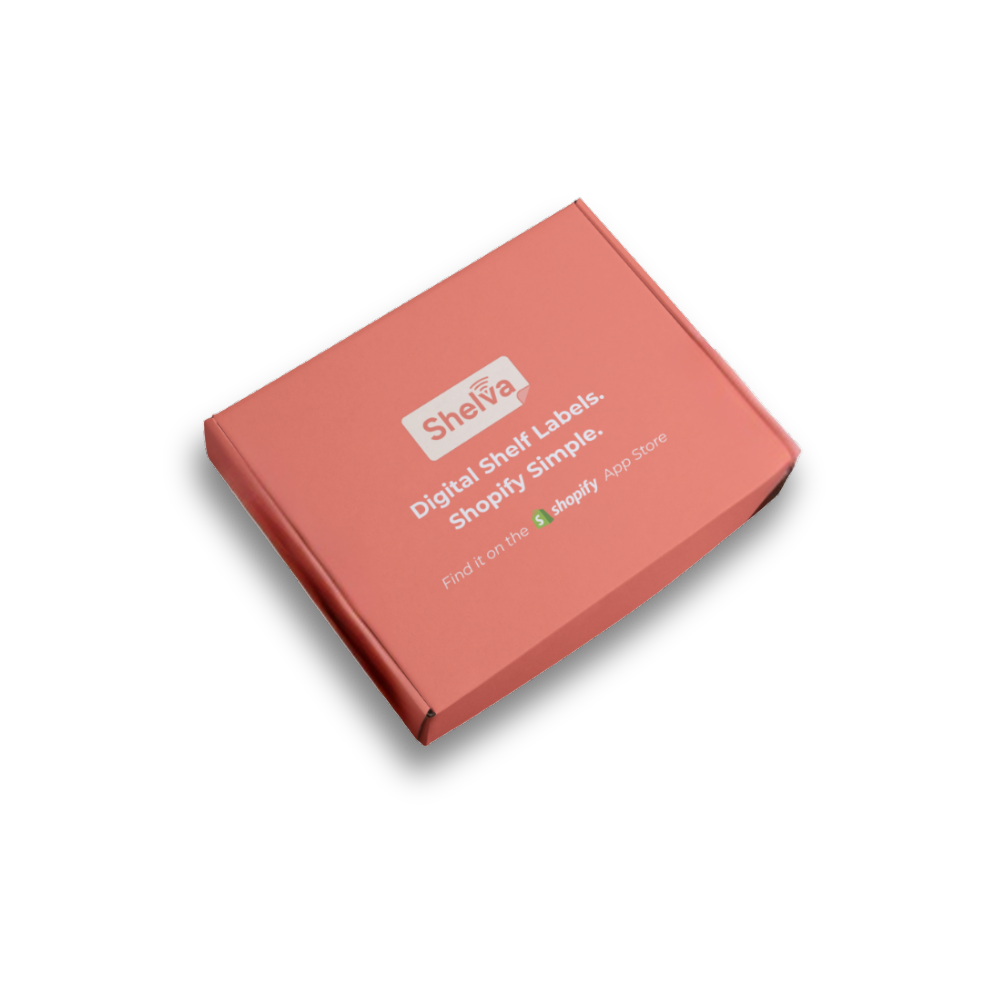
Plug in power and Ethernet, then let the Hub connect to your labels.
.png)
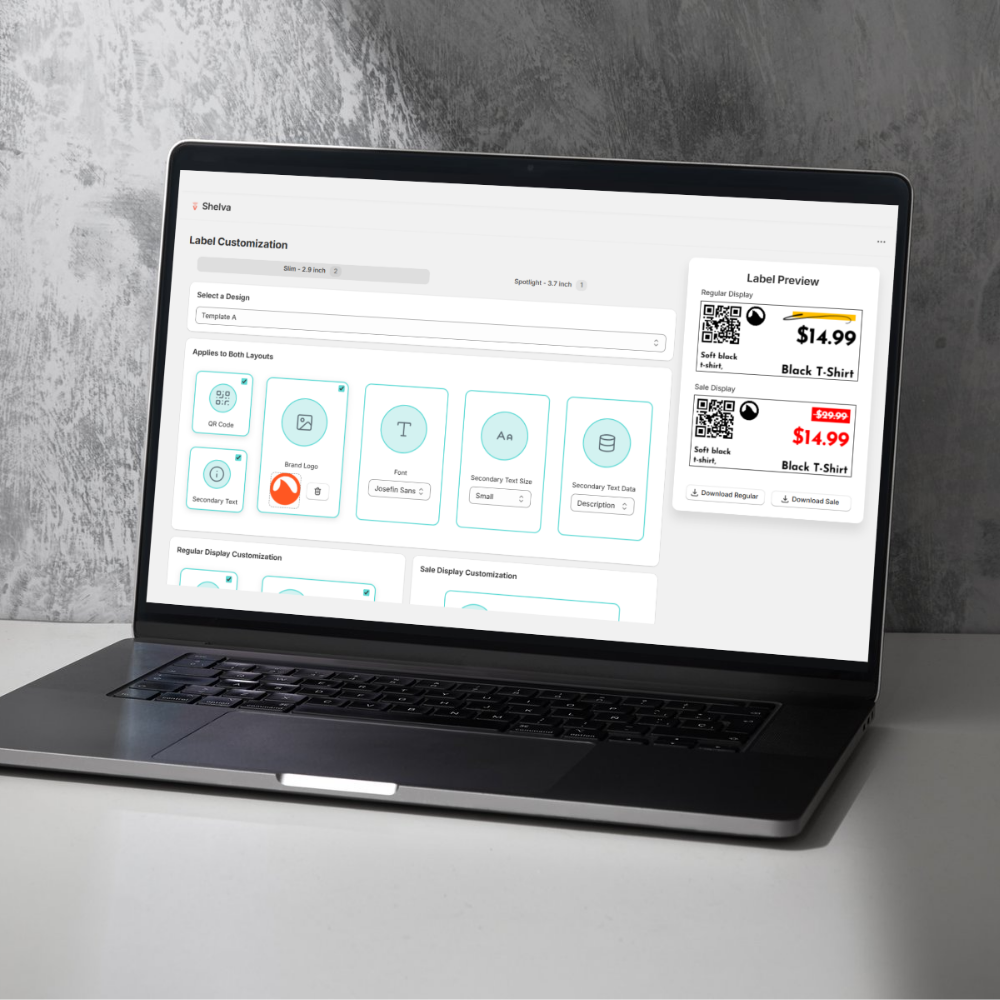
Add your logo, adjust styling, and preview label templates instantly.
Send product names, prices, and details to every paired label with one publish action.
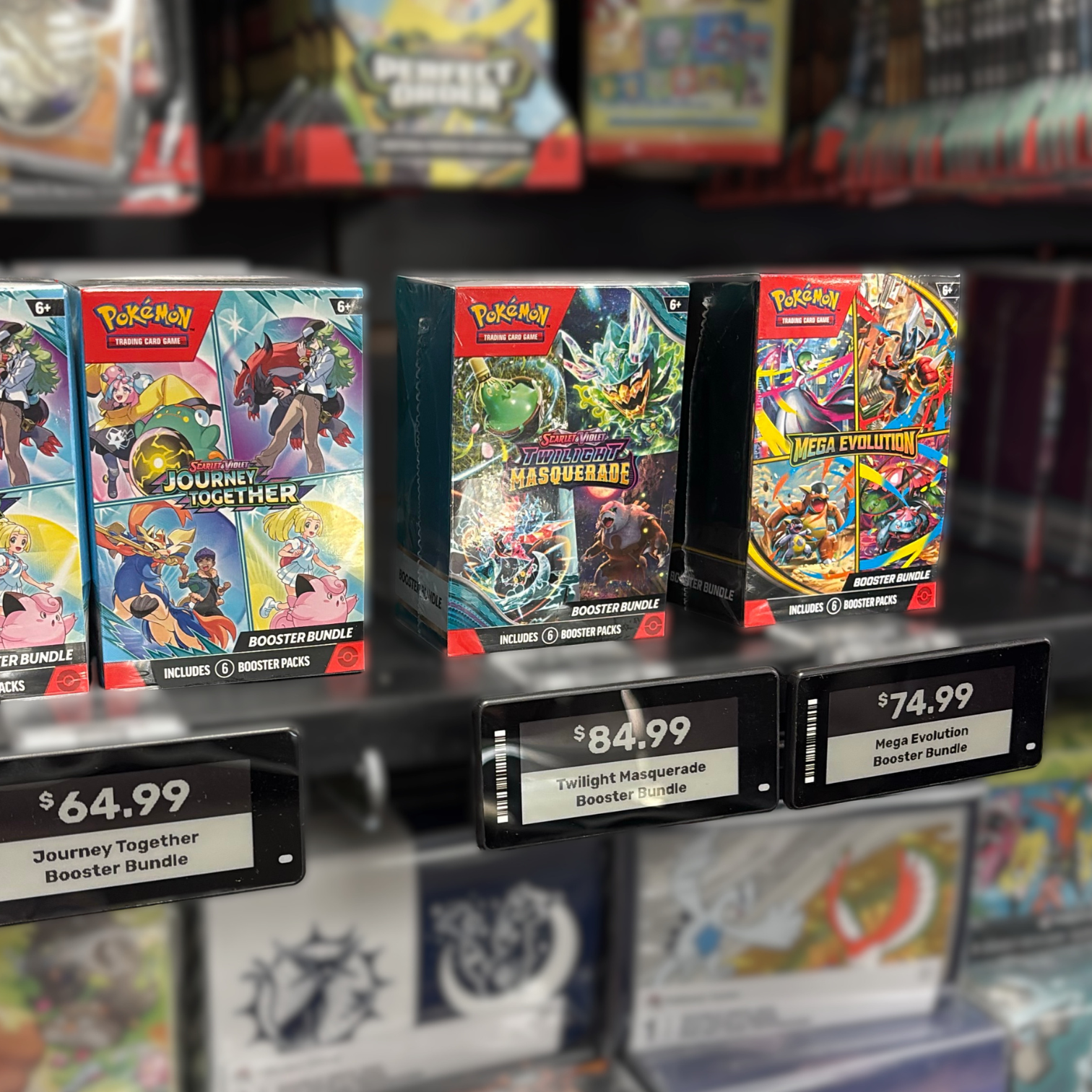
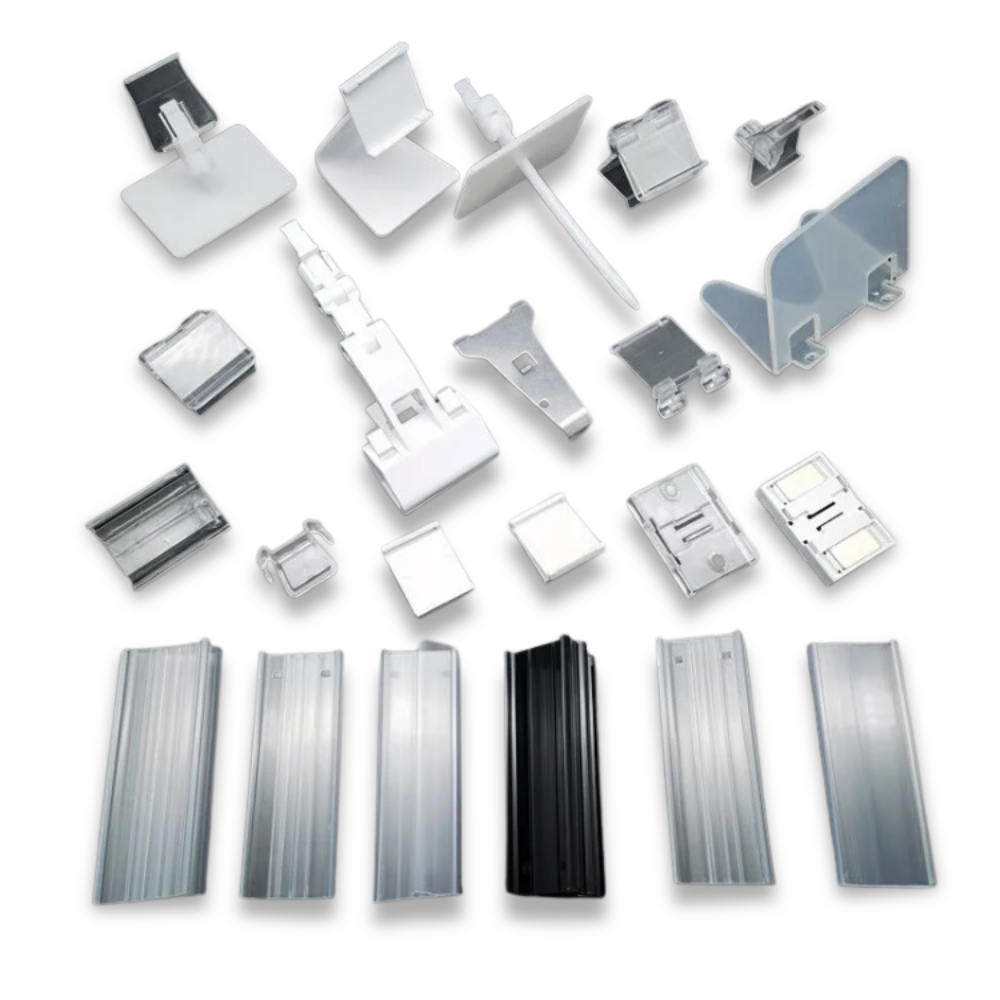
We provide all mounting accessories and work with you to find the perfect setup for your store.
Built specifically for Shopify merchants with seamless integration and powerful features.
No CSV exports or separate portals. Everything works directly within your Shopify admin.
Product changes, price updates, and inventory adjustments sync instantly to all your shelf labels.
Enterprise-grade security with 99.9% uptime and AES encryption.